Un programa para el Estado de Nuevo México — libros gratuitos para estudiantes que califican.
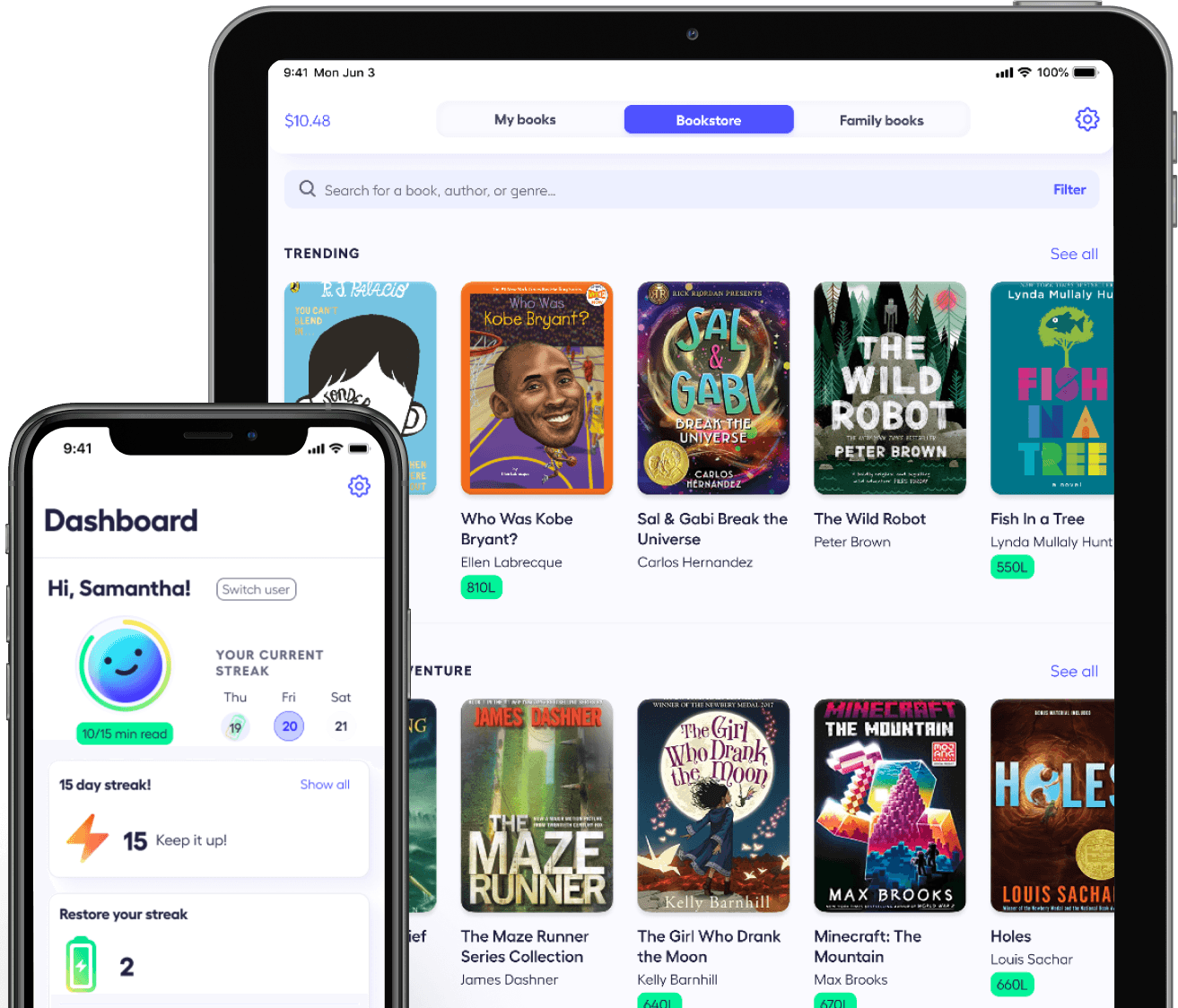
Rally Reader para Nuevo México es un programa estatal de alfabetización que brinda a los estudiantes acceso gratuito e ilimitado a toda nuestra colección de libros a través de las aplicaciones Rally Reader para iOS y Android.
¡La mayoría de las familias son verificadas instantáneamente!
Ingrese su nombre y su correo electrónico o número de celular. Verificamos su identidad con un código de un solo uso.
~1 minuto
Para cada niño, agregue: Nombre, Escuela, Fecha de nacimiento, Grado escolar
~1 minuto
Si necesita inscribir a más de 5 niños, comuníquese con nosotros en: hello@rallyreader.com
La mayoría de los niños son verificados instantáneamente. Si necesitamos revisar la información, le enviaremos un correo electrónico dentro de un día; usted no necesita hacer nada.
La mayoría de las familias reciben verificación inmediata.
Inicie sesión en la aplicación Rally Reader en iOS o Android usando el enlace. Los libros se desbloquean automáticamente; no necesita códigos ni descargas adicionales.
Acceso inmediato después de la verificación.
ESTADO DE INSCRIPCIÓN DE MIS HIJOS
📩 Le enviamos un correo electrónico sobre Carlos y Lucia. Revise su panel para ver los próximos pasos.
Nunca vendemos ni compartimos su información. Cumplimos con COPPA y FERPA.
Pagado por el estado de Nuevo México — sin costo para las familias elegibles.
Títulos de editoriales confiables — acceso completo a la colección de libros de Rally Reader.
Sin tarjeta de crédito, sin suscripciones y sin cargos adicionales después de la verificación.






Todos los estudiantes de escuelas públicas K–12 en Nuevo México califican.
Algunos estudiantes requieren una breve revisión manual cuando su aplicación no coincide exactamente con nuestra lista de elegibilidad.
Si esto ocurre, verá el estado “Pendiente de revisión” o “Necesita más información” en su panel.
Le enviaremos un correo electrónico dentro de un día con los próximos pasos.
Sí. Sólo recopilamos la información necesaria para verificar la elegibilidad de su hijo para el programa estatal.
Nunca vendemos ni compartimos sus datos con anunciantes ni los usamos para ningún otro propósito fuera de la administración del programa.
Puede solicitar la eliminación de su información en cualquier momento escribiendo a:
hello@rallyreader.com
Sí. Puede verificar hasta 5 niños con una sola cuenta familiar.
Si necesita que registrar a más de 5 niños, envíe un correo electrónico a hello@rallyreader.com
Una vez verificada su familia, recibirá un Código Familiar.
Puede encontrarlo en:
Para iniciar sesión:
En cada dispositivo:
Puede encontrar su Código Familiar en su correo electrónico de verificación o en su panel.
Si registró a sus hijos usando una dirección de correo electrónico, también puede usar ese mismo correo para iniciar sesión en varios dispositivos.
¿Necesita eliminar un libro de Mis Selecciones? ¡No hay problema!
Para devolver un libro antes de terminarlo:
Los libros devueltos no aparecerán en la lista de libros completados de su hijo.
Para marcar un libro como terminado:
El libro se moverá a Libros Terminados, junto con cualquier insignia que su hijo haya ganado mientras leía.
Durante la inscripción usted seleccionó el grado escolar de su estudiante.
Su hijo verá libros recomendados para ese tramo escolar:
9–12: libros etiquetados K–12
Los padres tendrán acceso automáticamente según el estudiante de mayor edad registrado en su familia.